
How to Report a Glassdoor Review: A Guide for Employers
Employers can report a Glassdoor review when they believe it violates the platform’s Community Guidelines or Terms of Use. Reporting allows Glassdoor to reconsider the content, but it does not give an employer control over whether the review stays online.
If you’re unsure how to report a Glassdoor review, the first step is to identify the specific concern. A negative rating, harsh criticism, or an unfavorable opinion is not automatically a policy violation.
This guide explains how the reporting process works, what types of concerns may warrant a report, and what employers can reasonably expect afterward.
When Should an Employer Report a Glassdoor Review?
Reporting is appropriate to consider when a review appears inconsistent with Glassdoor’s published rules. The purpose of a report is to request a policy-based assessment, not simply to remove feedback that a business dislikes.
Glassdoor allows employees and former employees to share subjective experiences, including criticism of management, working conditions, and company culture. Those opinions may remain published even when an employer strongly disagrees with them.
Before reporting a review, ask yourself:
- Does the content appear to violate a specific Community Guideline?
- Is there a concern involving authenticity, impersonation, or manipulated reviews?
- Does the review contain prohibited threats, harassment, or personal information?
- Can the concern be explained using the review’s actual content rather than assumptions about its author?
If your concern is primarily that the review is negative, reporting may not be the most appropriate response. For a broader explanation, read our guide on whether employers can remove Glassdoor reviews.
How to Report a Glassdoor Review: Step by Step
Glassdoor provides a reporting mechanism for content that may violate its policies. Employers can use the reporting options available on the platform without hiring a third-party service.
The exact appearance of the reporting controls can vary depending on the page, device, and current interface. The following steps describe the general process.
- Locate the review. Open your company’s Glassdoor profile and find the specific review you want to report. Save its URL and identify the passage that raises concern.
- Check the applicable guidelines. Compare the review with Glassdoor’s Community Guidelines. Identify a potentially relevant rule rather than relying only on disagreement with the review.
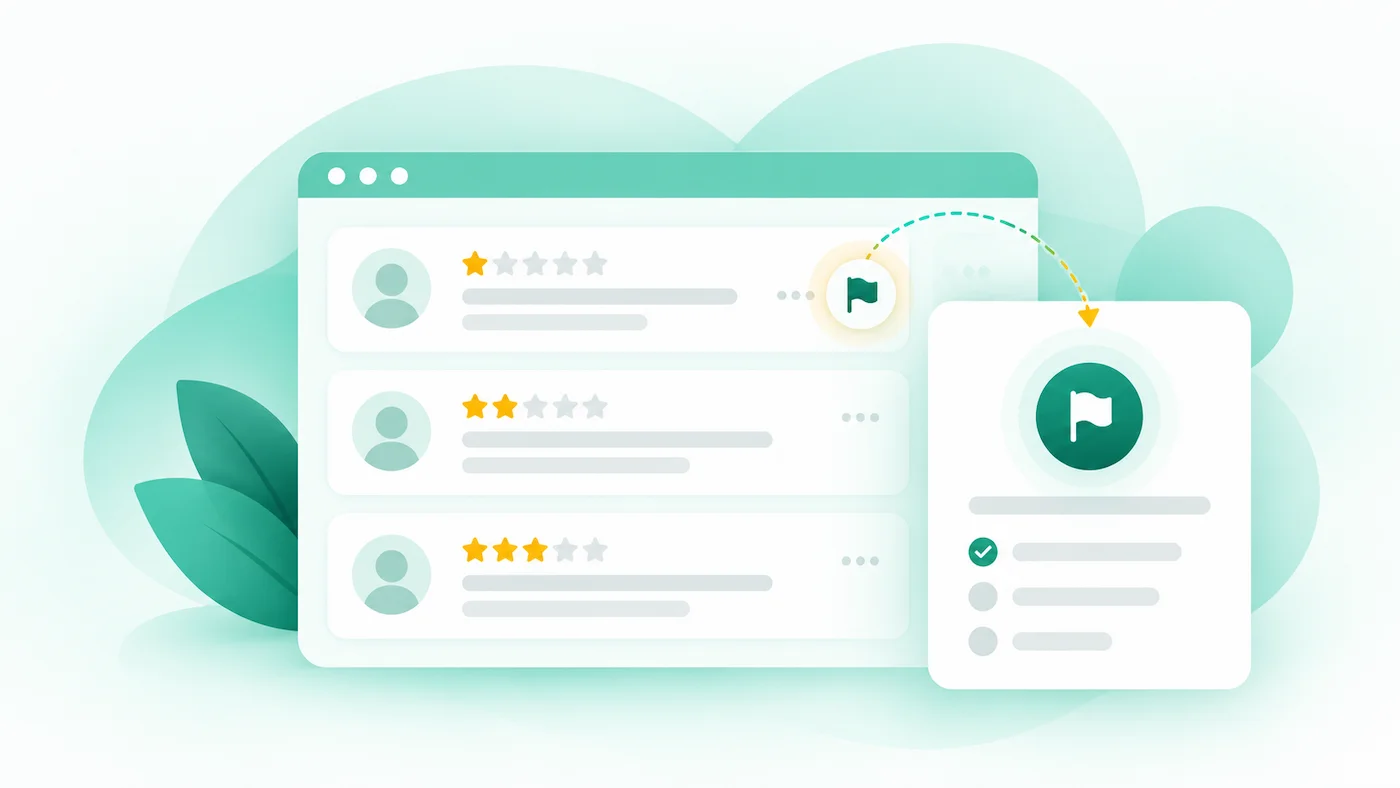
- Find the reporting option. Look for the flag or reporting control associated with the review. Glassdoor’s official instructions refer to reporting or flagging inappropriate content. Follow the prompts presented in your account.
- Select the most relevant reporting reason. If Glassdoor presents a list of reasons, choose the one that most accurately describes your concern. Do not select a more serious category unless the content actually supports it.
- Explain your concern clearly. When a description field is available, identify the relevant passage and explain why it may conflict with a published policy. Keep your explanation factual and focused.
- Submit and retain a record. Complete the reporting process and record the review URL, date, reason, and any confirmation or decision you receive.
If you cannot locate the reporting option, consult Glassdoor’s official reporting guidance or available support channels.
Reporting a review is not the same as deleting it. The submission alerts Glassdoor to a possible concern; the platform determines what action, if any, is appropriate.
What Types of Glassdoor Reviews May Warrant Reporting?
Not every disputed review violates Glassdoor’s rules. However, its published policies identify several categories of content and behavior that may justify additional moderation.
Inauthentic Reviews and Manipulated Content
Glassdoor’s review integrity policies prohibit certain forms of manipulation, including creating multiple accounts to submit reviews, impersonating others, and posting content on another person’s behalf.
Employers should also be aware that workers may include contractors, interns, and other people who perform work for a company. Not recognizing a reviewer does not prove that the review is fraudulent.
If you suspect manipulation, focus on observable concerns such as repeated wording or apparent duplication. Avoid presenting speculation about a reviewer’s identity as established fact.
Threats, Harassment, and Privacy Concerns
Glassdoor restricts certain threatening, discriminatory, and inappropriate content. Its policies also include privacy protections for information shared in reviews.
When reporting a concern in this category, identify the exact language that may violate a rule. A strong opinion about a supervisor is not necessarily prohibited harassment.
Glassdoor also permits certain references to senior company leaders under its guidelines. Therefore, the mere mention of an executive does not automatically make a review reportable.
Spam, Irrelevant Content, and Other Policy Issues
Content that functions primarily as advertising, promotes unrelated services, or lacks relevance to an employment experience may raise questions under Glassdoor’s guidelines.
Similarly, copied material or repeated submissions may warrant a closer review when there is a specific basis for the concern.
Glassdoor generally does not independently resolve factual disputes between employers and reviewers. A company’s belief that a statement is false may not be enough to establish a violation.
For more detail about the platform’s standards, consult Glassdoor’s explanation of when user content is removed.
How to Write a Clear Glassdoor Review Report
A useful report identifies what the concern is, where it appears, and which policy may apply. It should allow a moderator to understand the issue without having to interpret a long narrative about the company’s reputation.
Before submitting your explanation, organize these details:
- Review location: The direct review URL and any information needed to locate the content.
- Relevant passage: The specific wording that appears problematic.
- Policy concern: The applicable guideline and your reason for believing it may have been violated.
- Supporting context: Relevant, accurate information that can help explain the concern without exposing unnecessary personal data.
Here is an illustrative reporting note that can be adapted to a genuine concern:
I would like to request a review of the content at [review URL]. The passage [relevant excerpt] may conflict with Glassdoor’s [applicable guideline] because [specific factual reason]. Please assess the content under your published policies.
Only include assertions you can support. Do not invent evidence, identify a suspected anonymous reviewer, or disclose confidential employee records in an attempt to strengthen the report.
Keep the explanation professional and concise. Glassdoor’s moderation team decides whether the content meets its standards, regardless of how strongly the employer objects.
What Happens After You Report a Glassdoor Review?
When a review is flagged, Glassdoor may assess it through its moderation process. The company describes using technology and human review to evaluate content, including cases requiring additional context.
Depending on the circumstances, the review may remain available, be restricted, or be removed. Glassdoor may communicate a decision through its available reporting process, but employers should not assume a particular response time or outcome.
Three points are particularly important:
- A report is not an automatic removal request approval. The content must be evaluated against applicable policies.
- Negative reviews may remain visible. Glassdoor does not remove content solely because it is unfavorable to an employer.
- Third parties cannot override moderation. Glassdoor states that outside services have no special authority to bypass its review process.
Maintain a record of the report and any response you receive. If the situation changes, review the available information before deciding whether further action is appropriate.

What If Glassdoor Does Not Remove the Review?
A decision to leave a review online does not necessarily mean Glassdoor agrees with every statement it contains. It means the content was not removed under the standards applied to that review.
If your initial concern remains unresolved, reread the applicable guidelines and evaluate whether there is genuinely new, relevant information. Repeating the same allegation without additional context is unlikely to make your position clearer.
For reviews that reflect legitimate employee experiences, a professional employer response may provide a more constructive way to address concerns and demonstrate accountability.
Our guide on how to respond to negative Glassdoor reviews explains that alternative in greater detail.
Employers should also avoid pressuring workers to delete or change reviews, offering incentives for favorable feedback, or attempting to identify anonymous contributors. Such behavior may create additional policy concerns.
The most practical approach is to distinguish between a possible rule violation and criticism that should be addressed through communication or workplace improvements.